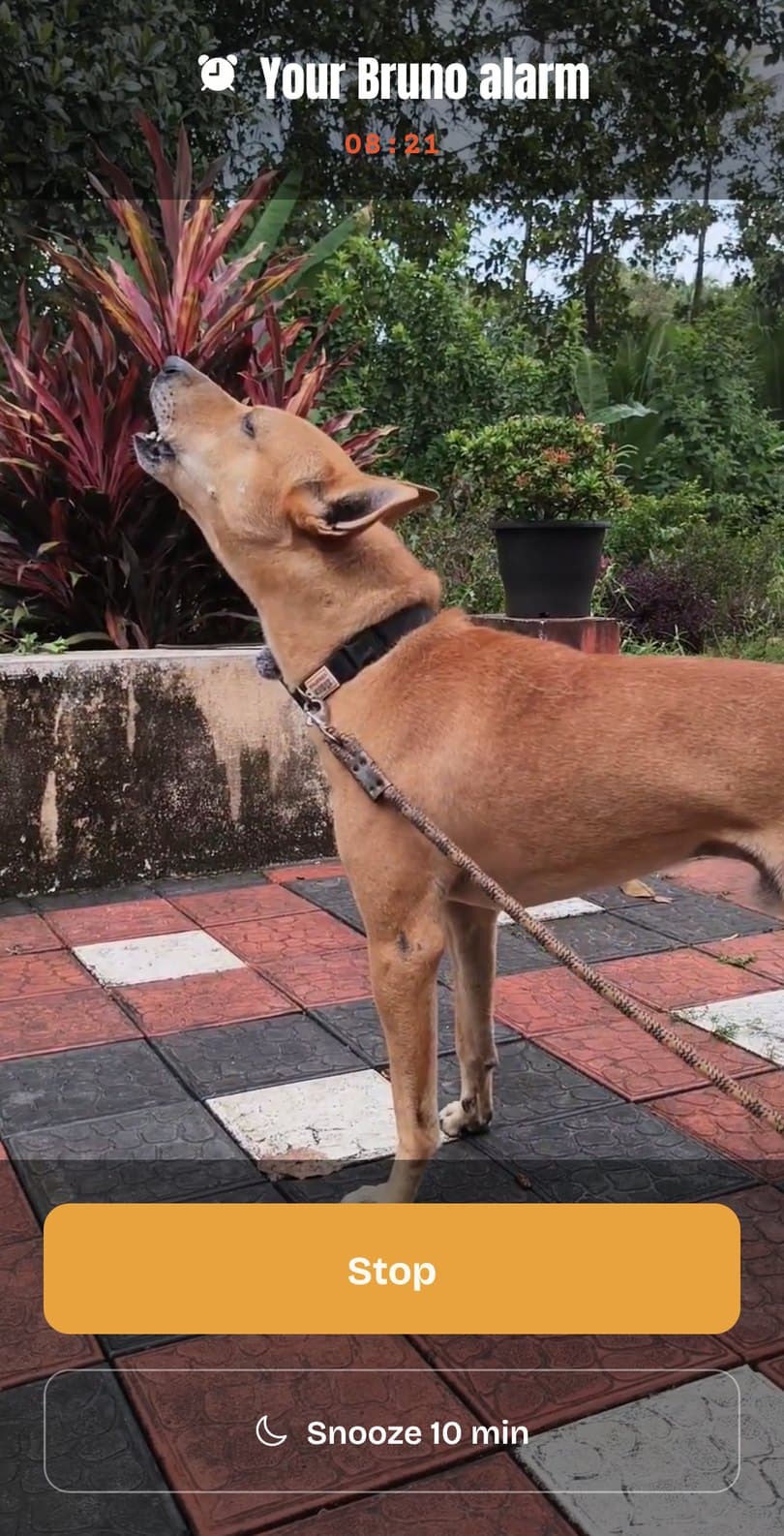
No account, no sign-up. Just this:
1. Install it
Get Bruno’s Howl Alarm on Google Play. It’s free, with no ads.
2. Pick a time
Add an alarm and scroll to your time. Bruno’s own times are marked, if you want to wake up with him.
3. Pick your days
Once, every day, weekdays, or the days you choose.
4. Hear him first
Play the howl before you save. The app also shows how long until it rings, so you know you got AM and PM right.
When it rings
Bruno fills your screen. Tap Stop, or Snooze for 10 minutes.