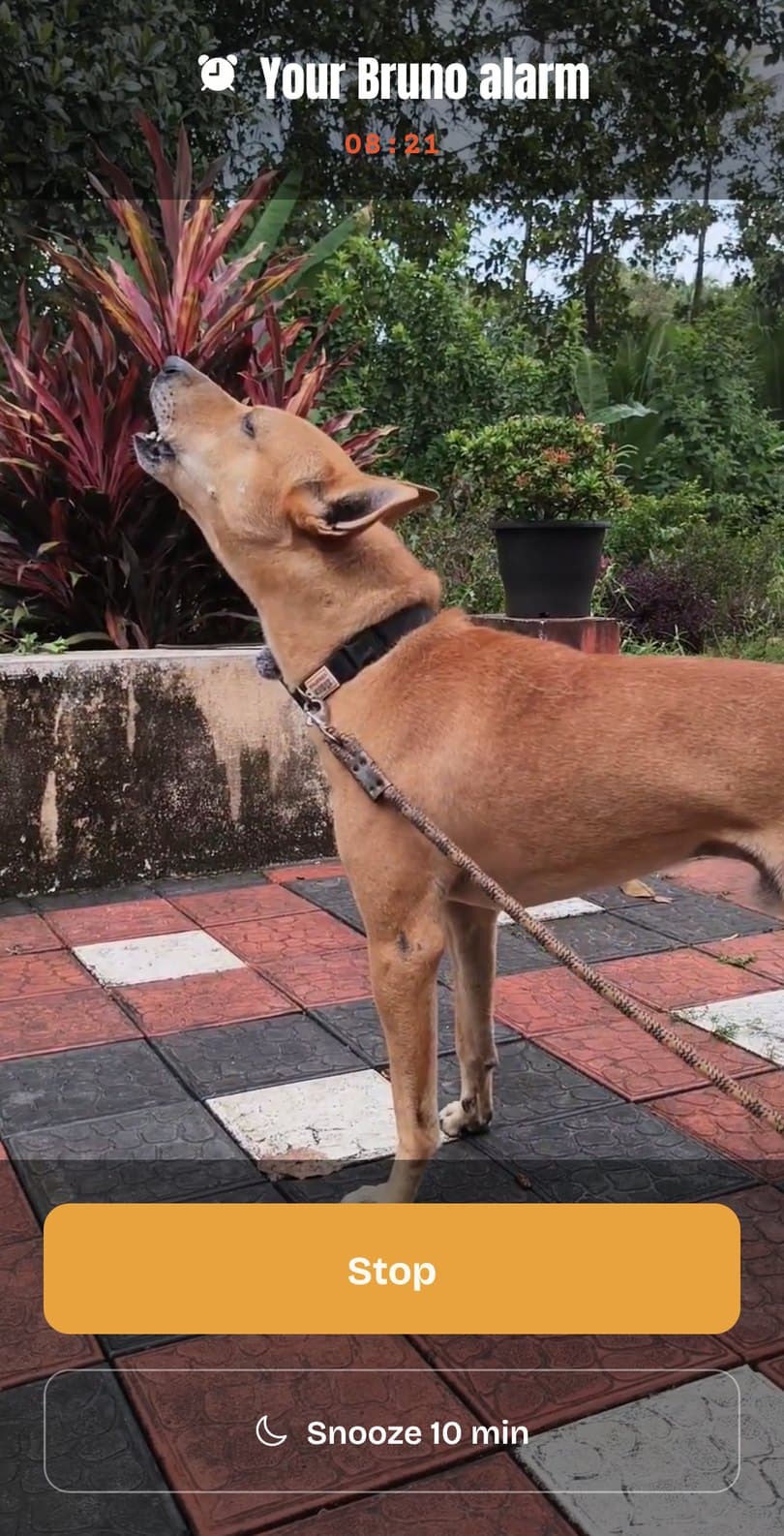
This works for any alarm app on Android, not just mine.
1. Turn up the alarm volume
Press a volume button and open the full volume panel. The alarm slider is separate.
2. Let the app run in the background
Some phones (like OPPO, realme, Xiaomi, OnePlus and vivo) are strict about saving battery. Go to Settings → Apps → the alarm app → Battery and pick Unrestricted or “Allow background activity”. The words differ by phone.
3. Turn on Auto-launch
If your phone has an Auto-launch or Autostart setting, turn it on for the app.
4. Allow “Alarms & reminders”
Android asks for this so alarm apps can ring on time. Bruno’s Alarm only asks if it’s missing.
dontkillmyapp.com has picture guides for most phone brands.